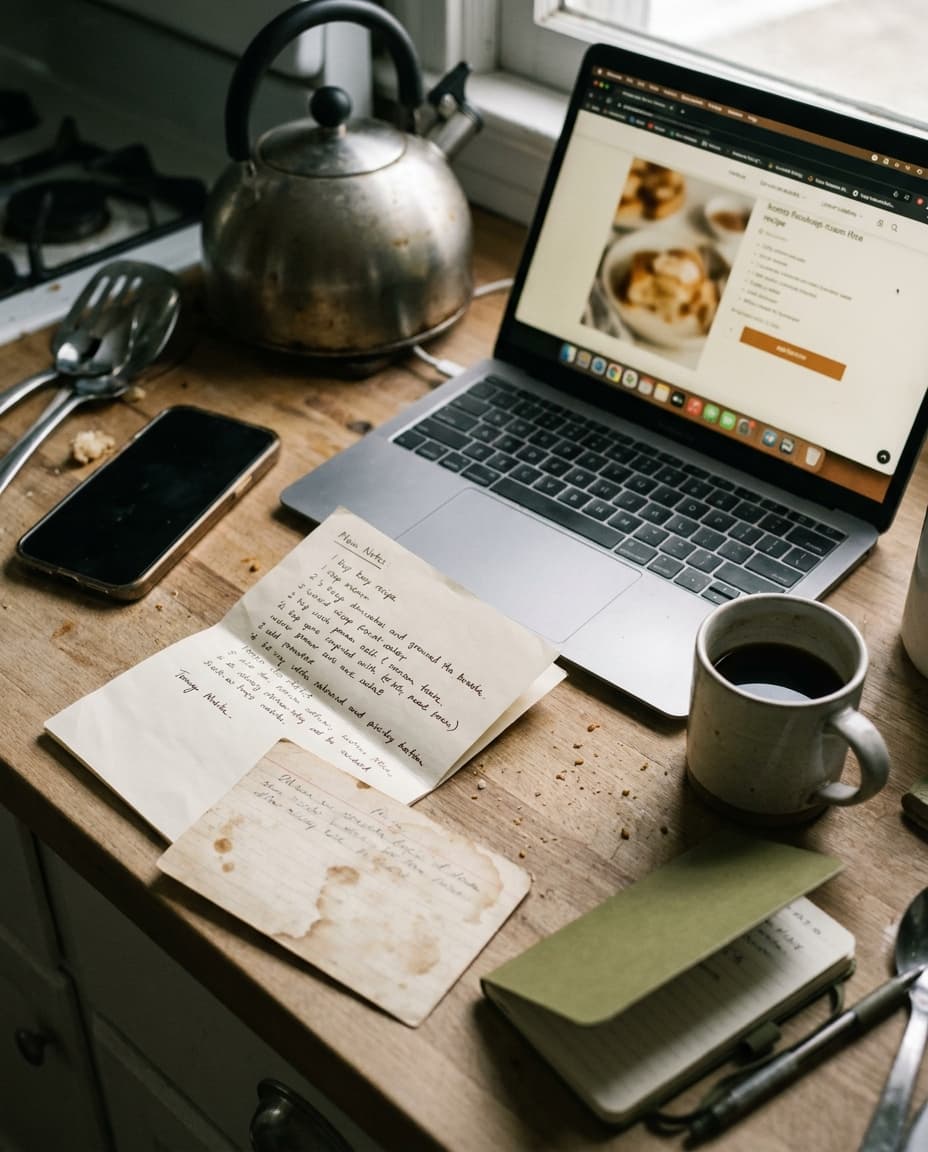
It is a Tuesday at six in the evening, the rain is coming sideways across the Limmat, and I am scrolling, for what must be the fortieth time this year, through a folder in Apple Notes labeled — with a precision that has long since stopped being charming — "recipes". I am looking for the lemon pasta. The lemon pasta is somewhere between an entry titled "Mum's borscht (CHECK with Mum)" and one titled "galette dough?? from that woman at the market". I have to scroll past thirty-two of these to find it.
The folder works. It has worked for years. Tonight, finally, I admit it has stopped scaling.
§ I.When the Folder Stops Working.
Apple Notes is a remarkable place to start a recipe collection. The friction is near zero: paste the URL, type the steps, save, move on. For the first ten recipes this is the right tool. For the first twenty-five it is still defensible. Somewhere around thirty, though, the folder begins to fail in small, daily ways. You cannot find the pasta. You cannot remember whether the cake recipe is the good cake or the dry cake. You cannot tell, at a glance, which entries have a real ingredient list and which are just a screenshot you took at a restaurant in Lyon.
The folder is also lying to you about being a recipe collection. It is, in truth, a list of fragments. Some are URLs with no body. Some are full recipes typed by hand. Some are photographs of book pages. Some are voice memos transcribed badly. There is no structure, because Notes does not ask for any, and so when you try to actually cook from one of them, you spend the first five minutes squinting at your phone trying to remember what you meant.
The decision to move is not the decision to abandon Notes. Notes will still hold the things Notes is good at — the half-formed ideas, the receipts, the things that do not yet know what they are. The decision is to give the recipes a place that knows it is holding recipes.
§ II.Don't Move Everything.
The first mistake people make on migration Sunday is trying to move all thirty-seven entries in one go. By recipe fourteen they are tired, by recipe twenty they are demoralised, and by recipe twenty-five they have decided the new app is too much work. The whole project lapses. The folder wins by default.
A better approach: move the ten you actually cook. Not the ten you mean to cook. Not the ten that sound impressive. The ten that have, in the last six months, actually appeared on a plate in your kitchen. For most people this is a depressingly small number, and for most people it covers eighty percent of the dinners they cook.
Leave the other twenty-seven in Notes. They will migrate organically — the next time you cook the borscht, you will move the borscht. The next time you make the galette, you will move the galette. Within three months, the folder will have shrunk to the genuinely dormant ones, the ones you are keeping out of sentiment more than intention. Those can wait, possibly forever.
§ III.The Mechanics of Moving One.
Open the lemon pasta in Notes. Select all. Copy. In Basil, tap the plus button and choose paste. The app reads the block of text and — this is the part I did not believe until I saw it — separates it into a title, an ingredient list, and a sequence of steps. The quantities are parsed. The verbs are parsed. The ingredient list is one column, the method is another. Where Notes gave you a wall of text, Basil gives you a recipe card.
It is not perfect. The first recipe I migrated had an ingredient line that read "a little more lemon than you think", which Basil sensibly left as a free-text note rather than trying to coerce into a quantity. A recipe I had typed in three languages over the course of a year required a small cleanup. But the work of structuring — the bit that, if you had to do it manually, would make you give up after recipe four — is done by the app. You arrive, in roughly forty seconds per recipe, at something a recipe app can actually use.
§ IV.What Changes After You Move.
The migration is not the point. The migration is the cost of admission. What matters is what becomes possible once a recipe is structured.
The ingredient list becomes a shopping list. Tap the lemon pasta plus the borscht plus the roast chicken, and the grocery list assembles itself, sorted by aisle, with the duplicates collapsed. Where you were writing two onions on one line of a paper list and one onion on another, the app gives you three onions, once. The steps become a cooking-mode flow: one step on the screen at a time, the screen staying awake, swipe forward when your hands are clean again. Search works, instantly, across the whole library — every time the word lemon appears, in any recipe, in any field.
Where you were writing two onions on one line of a paper list and one onion on another, the app gives you three onions, once.
Scaling becomes one tap. The pasta for two becomes the pasta for six on a Sunday with friends, and the quantities recalculate without your having to do the arithmetic at the counter with a wooden spoon in your other hand. Allergens, if you have set them at the household level — your sister's shellfish, your partner's tree nuts — get flagged automatically when they appear in a recipe, in a colour you can see across the kitchen. None of these things are possible in Notes. All of them are quietly possible the moment the recipe is in the right shape.
The Notes folder is still on my phone. It is half its former size. The dormant ones are still in there — the borscht with the parenthetical note to my mother, the galette from the woman at the market — and they will be moved, or not, when I next cook them. The lemon pasta is no longer among them. It is in Basil, with the quantities scaled for two, the lemon zest noted as a touch more than the recipe says, and the screen staying awake on the counter while I cook.