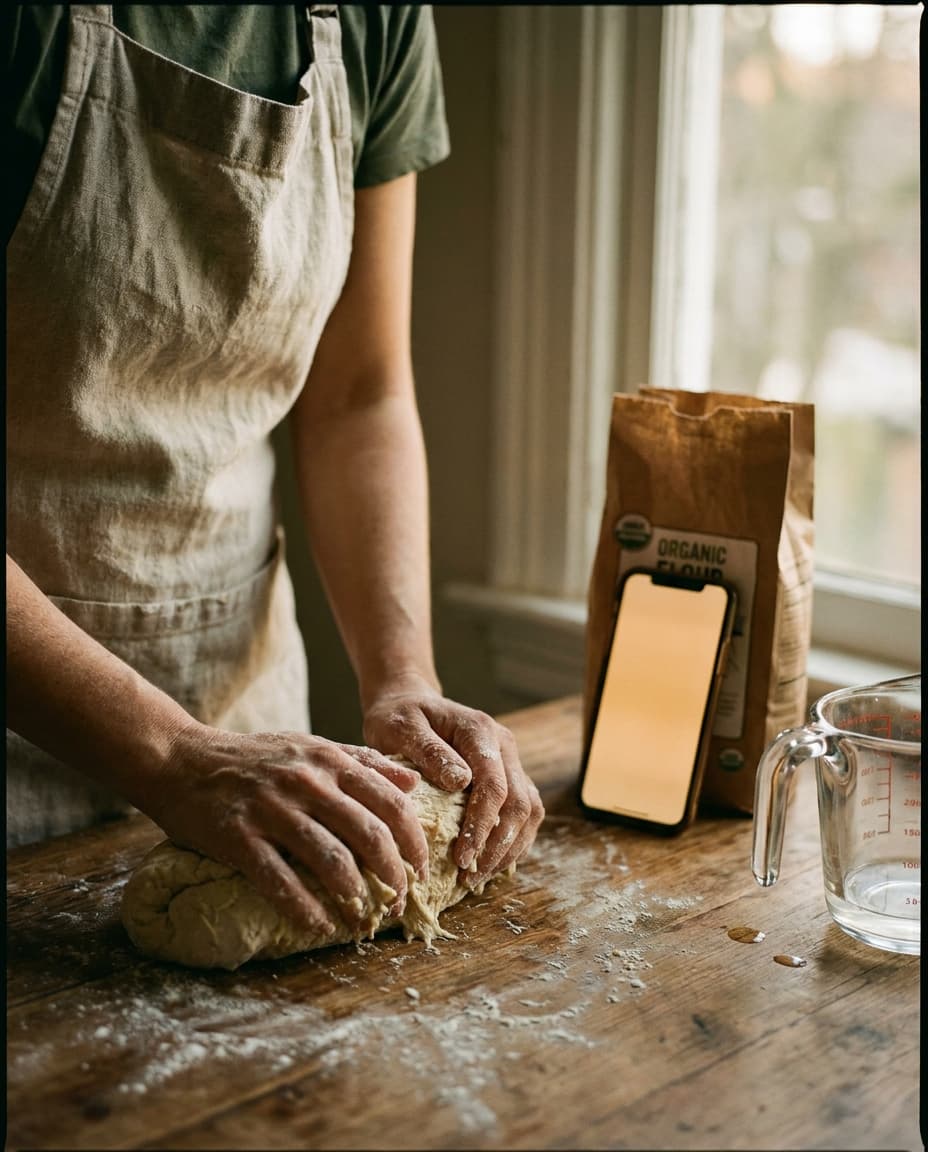
It is half past nine on a Saturday morning in Hackney, and my hands are inside a dough that is almost — but not quite — ready to be left alone. The hydration is high, somewhere near eighty percent, and the surface has only just begun to lose its tackiness. Beatrice, the starter, has done her work overnight on the windowsill above the radiator; the bulk is two hours in. I am at the part of the process where the dough begins to feel like a living thing under your palms, and you cannot stop touching it, because the moment you stop touching it is the moment you stop knowing where it is in its becoming.
The phone, propped at an angle against the tin of bicarbonate, has gone dark. It went dark thirty seconds ago, in the middle of a step I had not finished reading. I tap it with the side of my wrist — the only part of me not covered in flour and water and the faint silver gloss of unfermented gluten — and I leave a wet smear across the lower third of the screen. The cursor lands somewhere it should not have landed. The recipe scrolls past the step I needed. I lean over, squint, try to find my place, give up, and wipe my hands on the tea towel that is already, at this point in the morning, beyond saving.
§ I.The small thing that is not small.
There is a category of design problem that is invisible until you are inside it, and then it is the only thing. The sleeping screen of a recipe app is one of these. On a desk, in an office, in any of the other places a phone usually lives, an aggressive screen-timeout is a virtue — a battery saver, a privacy gesture, a small kindness from the operating system to the body and the bill. In a kitchen, with hands in dough or hands slick with chicken, it is something else entirely. It is the moment the thing you are reading from refuses to keep reading with you.
Cooking is, for most of us, the only sustained act of active reading we do where the hands are categorically unavailable. We read novels with one hand on the spine. We read the news with a thumb on the scroll. We read maps while driving by glancing — eyes on, hands occupied elsewhere, but the device, at least, awake. In the kitchen, the eyes are on the work and the hands are in the work, and the only way to advance the page is some clever minor choreography involving a knuckle, an elbow, the bridge of a nose. The screen has to stay on. If it does not, the entire interaction breaks.
§ II.What most apps do, and why.
Most recipe apps inherit the operating system's default screen-timeout, which on iOS is, by default, thirty seconds. They do this not out of malice but out of inattention — because the engineer who built the recipe view tested it on a desk, scrolling with a thumb, eating an almond. They never tested it with their hands inside a brioche. The result is an app that displays recipes beautifully, indexes them cleverly, syncs them across devices — and then, the moment you actually try to cook from one, becomes a thing you wrestle with.
I have, in the last several years, tried most of the credible recipe apps on the App Store. I have tried the ones that came out of cookbook publishers and the ones that came out of weekend hackathons. A surprising number of them do not, in their default state, keep the screen awake on the recipe page. Some have a setting buried three menus deep. Some have it on a cooking-specific view that you have to remember to enter, which is fine until the morning you forget. None of them, in my experience, treats the awake-screen as the load-bearing wall of the entire kitchen interaction — which it is.
A recipe app that lets the screen sleep is not a recipe app. It is a recipe-display tool that occasionally cooperates with the act of cooking.
§ III.What the awake screen makes possible.
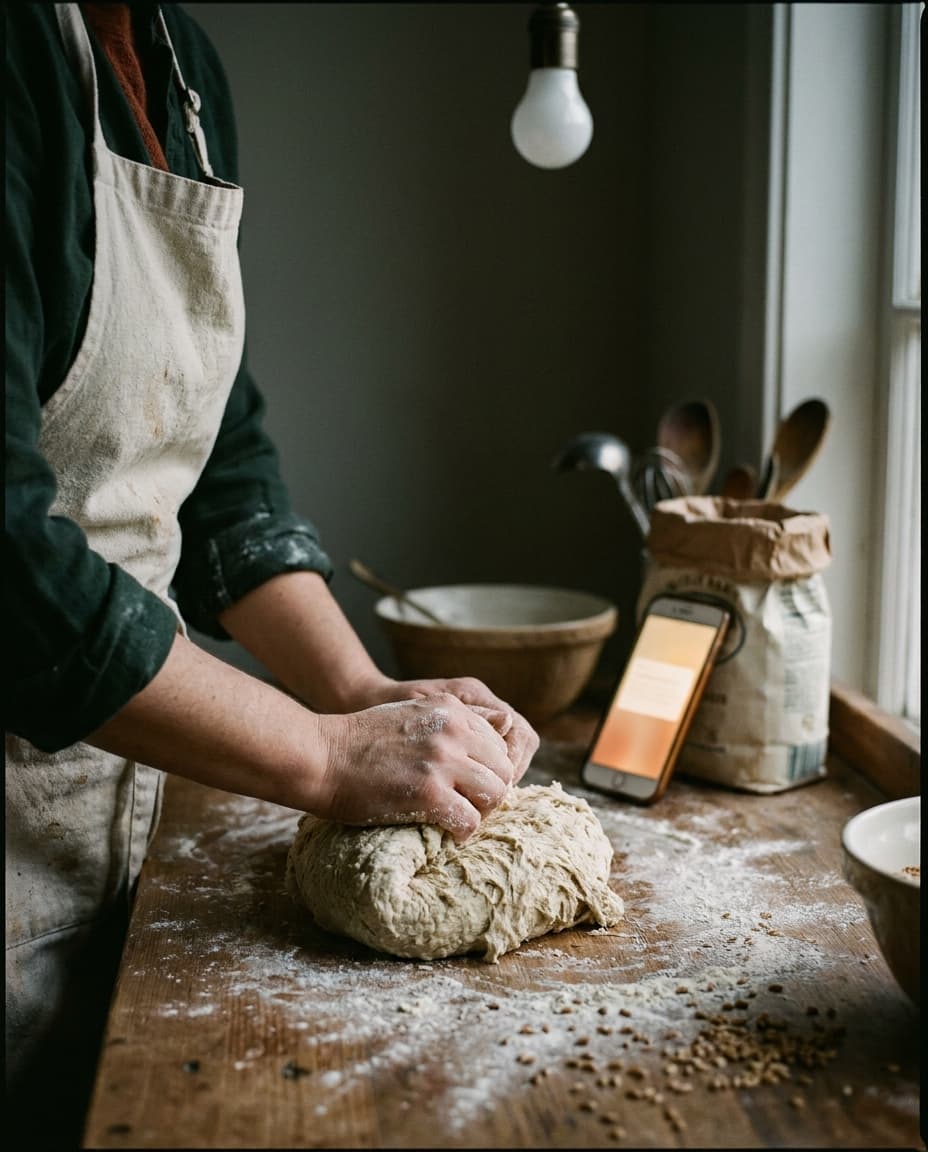
Basil's Smart Cooking Mode does the obvious thing first: when you tap into a recipe to cook from it, the screen stays on. Not for thirty seconds. Not for two minutes. On, until you leave the recipe. The phone can sit at a slight angle on the counter, propped against the tin of bicarbonate, and it will remain a readable surface for the entire ninety minutes of a bulk fermentation, the entire forty minutes of a braise, the entire afternoon of a stock. You do not have to think about it. You do not have to reach for it. It is simply there, lit, waiting.
The second thing it does is recognise that even an awake screen still needs to be advanced, and that the hand doing the advancing is probably not clean. Steps are large, swipeable, knuckle-friendly. A swipe with the side of a wrist works. A nudge with the edge of a knuckle works. The next step appears; the timer for that step, if there is one, is already cued. You do not tap a tiny play button with a flour-dusted fingertip. You do not zoom in to find your place. The interaction has been redesigned around the fact that the user is, at this moment, a person with their hands in a thing.
§ IV.Why this is, in fact, the whole game.
I am aware that an essay on screen-timeout is, on its face, a small subject for a magazine. But I would argue the opposite — that the question of whether the screen stays on is the question that separates apps built by people who have cooked from apps built by people who have only thought about cooking. The screen-awake decision is the place where the engineer and the cook either meet or fail to meet. Everything else — the import flow, the meal planner, the grocery list, the syncing — is downstream of whether the moment of actual cooking works. If it does not, the rest is decoration.
There is a reason the cooks who care about this care so much. It is not a tech complaint. It is a continuity complaint. The recipe is a sequence; the cooking is a sequence; the two are meant to run in parallel, eyes on the recipe, hands on the work, the rhythm passing back and forth. When the screen sleeps, the rhythm breaks. You stop being someone cooking from a recipe and become someone cooking around an obstacle. The dish suffers, in small ways, almost always. The bread is over-kneaded because you lost your place and kept going. The roux passes blond because you were trying to find the next instruction. The salt, doubled, because you forgot you had already added it.
The dough is in the proofing basket now, dusted with rice flour, covered with a damp tea towel. Beatrice is back on the windowsill. The phone, still awake, sits where I left it on the counter, the recipe still open to the step about cold retard. I will glance at it again in twelve hours, when the dough comes out of the fridge, and the screen — without my having touched it, without my having thought about it — will still be lit, still be on the right line, still be there. That is the entire promise of the thing. Not clever, not novel, not revolutionary. Simply present. The way a cookbook on the counter is present, without needing to be tapped.